Turn the recipes you choose into a grocery draft.
When a recipe moves onto the plan, its ingredients should be useful at the store. Grocery Hawk helps turn planned recipes into one reviewable grocery draft—without treating the result as infallible.
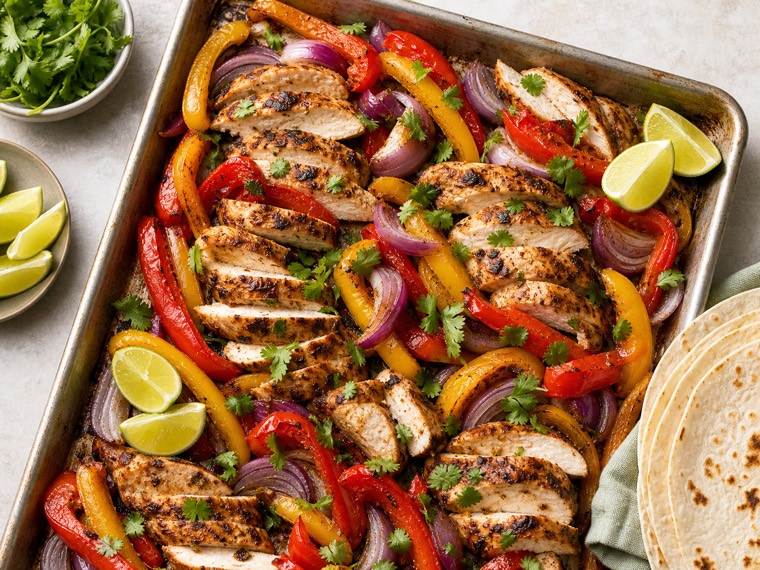
A grocery list from recipes should be a starting point you can trust enough to review.
Copying ingredients from several recipes into a notes app is repetitive, and it is easy to miss a duplicate, forget a serving change, or buy something you already have. Grocery Hawk connects recipes, servings, and the weekly plan so the list can begin with the meals you selected.
The important word is “begin.” Ingredient units are not always compatible, pantry amounts are not always current, and a meal plan rarely captures the full list of household staples. Grocery Hawk can scale ingredients and consolidate compatible entries, then make unclear matches visible instead of pretending every calculation is certain.
That review step protects the list you actually take shopping. Keep the items you added manually, leave checked rows alone, and decide what stays. The draft is there to reduce copying—not to take away your control.
From recipe to grocery draft
The workflow stays deliberately simple: choose meals, let the system gather a starting point, then review it like a real shopper.
-
Put recipes on the plan and set servings.
The planned meals and their serving counts give Grocery Hawk the information it needs to start assembling ingredient needs for the week.
-
Consolidate the ingredients that safely fit together.
Compatible ingredients can be scaled and combined across recipes so the draft is easier to read than a stack of separate recipe lists.
-
Review pantry context and uncertain amounts.
Grocery Hawk can consider compatible pantry amounts and flag ambiguous units or matches. You inspect the result before it becomes the list.
A grocery draft that stays honest about its limits
Serving changes flow into the planning work
Set a meal for the people you are feeding before you review the ingredients it may require.
Duplicates can be easier to spot
When ingredient names and units are compatible, the draft can consolidate them instead of asking you to do every bit of copying by hand.
Manual and checked rows are respected
A plan-linked grocery list is more than recipe ingredients. The things you add yourself and the things already handled remain part of that list.
Use the draft as a final kitchen-to-store checkpoint.
A good review takes a minute: look for quantities that feel wrong, items that are already in the pantry, and the staples your household always needs.
- Confirm servings for the meals you plan to cook.
- Check consolidated ingredients before adding them to the list.
- Review every pantry or unit flag instead of assuming it is correct.
- Keep the manual items that make the grocery list complete for your home.
Questions people ask before they start.
Grocery Hawk is designed to support a real kitchen routine. Here is what that looks like in practice.
Can Grocery Hawk combine ingredients from several recipes?
It can scale and consolidate compatible ingredients across planned recipes. When units or matches are ambiguous, they should be flagged for review.
Will the grocery draft remove things I add by hand?
No. Manual rows and checked items are preserved inside the plan-linked list, so it remains useful beyond the planned recipes.
Can the app know exactly what I need to buy?
Not automatically. Pantry amounts, package sizes, and recipes can be uncertain. Grocery Hawk provides a reviewable draft, and you make the final decision.
